
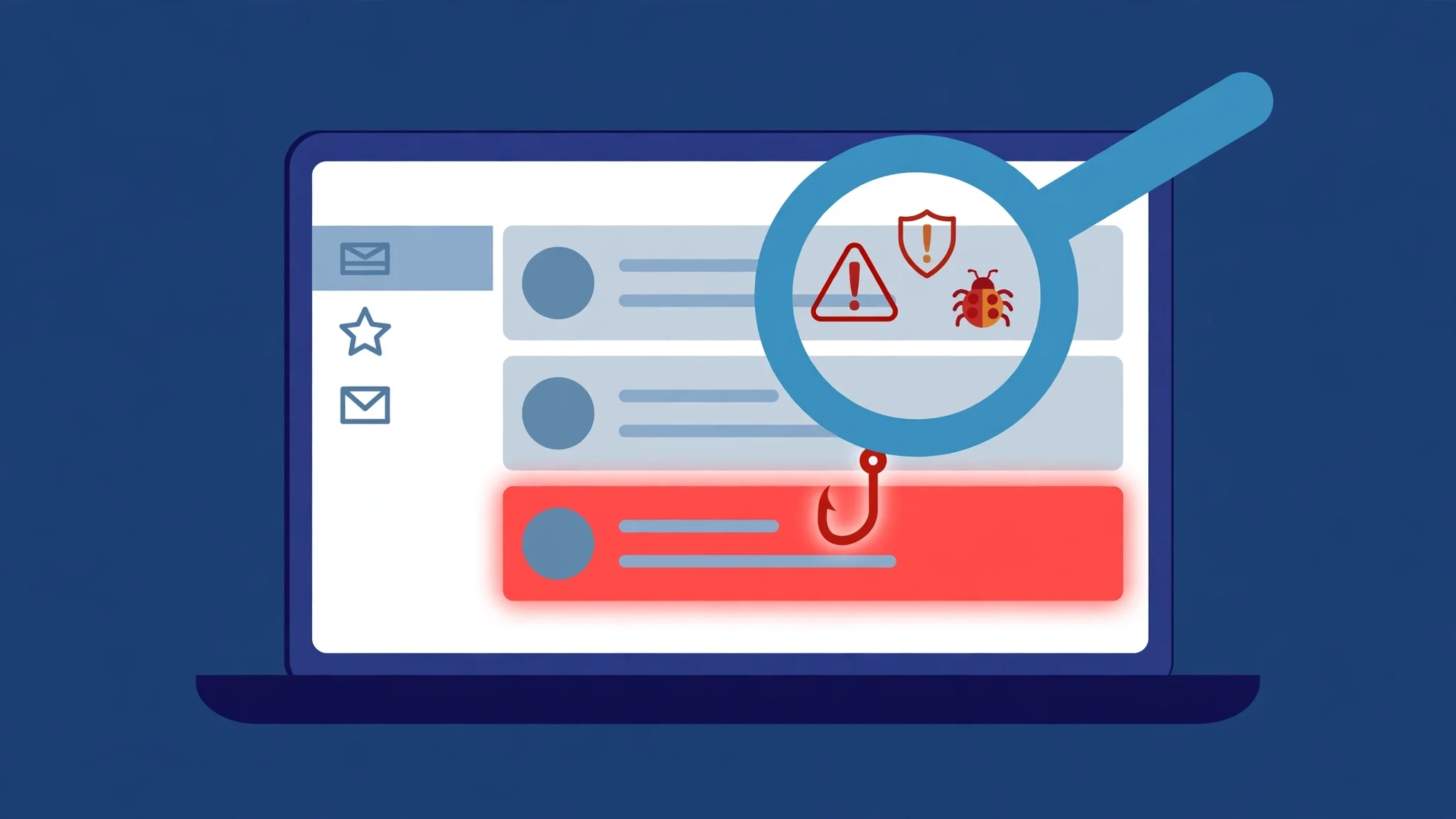
Phishing emails are fraudulent messages designed to trick recipients into surrendering passwords, verification codes, or personal information, or into opening malicious links and attachments. These messages can impersonate banks, email services, marketplaces, or even coworkers. The good news is that there are several warning signs you can check before clicking anything.

1. The sender address looks suspicious
Don’t rely solely on the display name in your inbox. Check the full email address behind the sender’s name. Scammers can use convincing display names, but their domains often differ slightly from official ones—perhaps with extra words, hyphens, or misspellings that mimic legitimate brands. When in doubt, open the official website or app directly to check for the message in question.
2. The message creates panic or urgency
Phrases like “your account will be closed in 10 minutes,” “suspicious transaction detected,” or “package held” are commonly used to make people act without thinking. Urgency alone doesn’t prove phishing, but it is a reason to pause and verify the claim through official channels.
3. Links don’t lead where they should
On a computer, hover over links to see the destination address without clicking. On mobile devices, press and hold carefully if your app shows link previews. Watch out for misspelled domains, confusing subdomains, or shortened URLs that cannot be verified. HTTPS and padlock icons only indicate encrypted connections—they do not guarantee that a site is legitimate.
4. Requests for passwords or verification codes
Never share passwords, PINs, one-time passcodes, or recovery codes via email replies or forms from untrusted links. One-time codes can still be stolen if entered into fake login pages. Legitimate institutions should never ask for complete passwords via email.
5. Unexpected attachments
Archive files, documents with macros, or attachments prompting app installations should raise suspicion when they arrive without context. Confirm with the sender through another channel before opening unexpected files, even if the sender’s name appears familiar.
6. Message content doesn’t match the context
Grammar errors, overly generic greetings, or unrecognized transaction details can be clues. However, modern phishing emails can be well-written and incorporate accurate personal information. Don’t rely on grammar alone as your only detection method.
7. Payment or login workflows feel unusual
Be wary of requests to move conversations to another channel, pay to a new account, change supplier banking details, or re-authenticate via email links. For financial matters and account access, open official apps or contact organizations through known numbers—not those provided in suspicious messages.
8. Messages ask you to bypass security procedures
Instructions to disable protections, ignore browser warnings, install remote access apps, or keep requests secret from other teams are red flags. Never follow such instructions without independent verification.
What to do if you receive a suspicious email?
- Don’t click links, open attachments, or reply to the message.
- Verify the sender address and claims through official apps or websites you navigate to yourself.
- Report the message as phishing through your email client’s features or your organization’s security team.
- If you entered a password, open the official site in your browser, change your password, sign out unrecognized sessions, and enable multi-factor authentication.
- If you used the same password on other services, change those passwords as well.
For stronger protection, use unique passwords stored in a password manager and enable multi-factor authentication. Where available, passkeys or FIDO security keys provide better phishing protection than SMS codes. No single sign definitively proves an email is fake; what matters most is verifying sensitive requests through official channels.
Conclusion
Phishing emails exploit panic, habit, and trust in familiar names. Check sender addresses, resist the urge to click links hastily, and verify login or payment requests separately. These simple habits can reduce the risk of account takeover.
Sources and further reading
CISA: Require Multifactor Authentication — guidance for strengthening account security with multi-factor authentication.
Leave a comment