
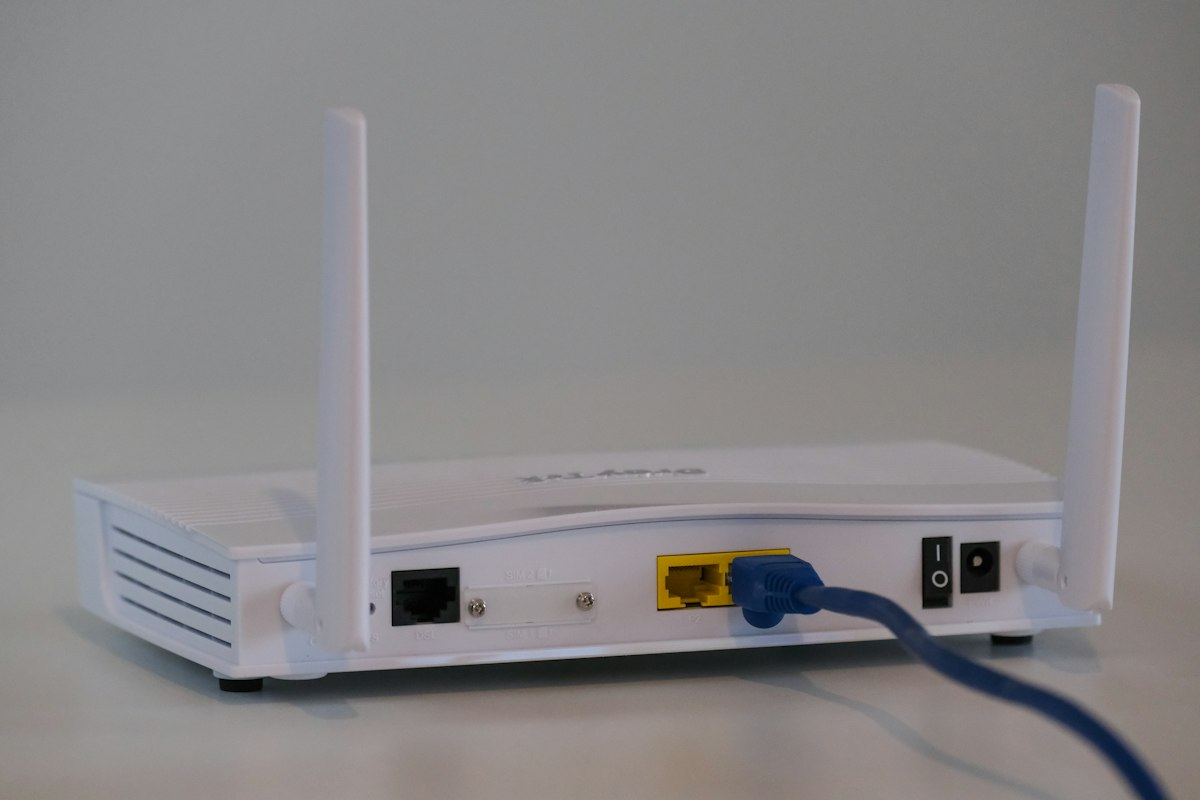
Wi-Fi 7 is starting to appear in new routers, laptops, and smartphones, but that doesn’t automatically mean everyone needs to replace their working Wi-Fi 6 equipment. Both are designed to provide fast, efficient wireless connectivity, yet Wi-Fi 7 brings several improvements that mainly benefit dense networks, large data transfers, and latency-sensitive applications. The right choice depends on your devices, home conditions, internet plan, and daily needs.
What Are Wi-Fi 6 and Wi-Fi 7?
Wi-Fi 6 uses the IEEE 802.11ax standard. This generation was designed to help networks serve many devices more efficiently—for example, when phones, TVs, laptops, cameras, and smart home devices connect simultaneously. Technologies like OFDMA and MU-MIMO help divide network resources, allowing routers to manage communication with multiple devices better than older generations.
Wi-Fi 7 uses the IEEE 802.11be standard and builds on those capabilities. Its improvements include wider channels, 4K-QAM modulation, and Multi-Link Operation (MLO). These features can increase connection capacity and responsiveness, though the real-world benefits depend on router and client device support as well as signal conditions.
Key Differences Between Wi-Fi 6 and Wi-Fi 7
| Aspect | Wi-Fi 6 | Wi-Fi 7 |
|---|---|---|
| Standard | IEEE 802.11ax | IEEE 802.11be |
| Maximum channel width | Up to 160 MHz | Up to 320 MHz on 6 GHz band where available |
| Maximum modulation | 1024-QAM | 4K-QAM |
| Multi-Link Operation | Not available as a Wi-Fi 7 feature | Supports using multiple links simultaneously on compatible devices |
| Focus of improvement | Efficiency and capacity for many devices | Higher throughput, lower latency, and better link reliability |
Maximum figures represent standard capabilities, not guaranteed speeds you’ll always achieve. Actual results are affected by distance, walls, interference, number of devices, router configuration, and device antenna capabilities.
1. 320 MHz Channels and 4K-QAM
Wi-Fi 7 can use channels up to 320 MHz wide on the 6 GHz band in countries that permit it. Wider channels provide room to send more data under suitable conditions. Wi-Fi 7 also uses 4K-QAM, which can carry more bits per symbol than 1024-QAM on Wi-Fi 6. However, higher modulation requires good signal quality; when signals weaken, devices may switch to more robust modes and speeds drop.
Therefore, the greatest benefits typically appear when devices are relatively close to the router and performing high-capacity activities, such as moving large files to local storage or accessing high-speed networks.
2. Multi-Link Operation (MLO)
MLO is one of Wi-Fi 7’s important features. On supported devices, connections can utilize more than one link or frequency band simultaneously, depending on device implementation. This can help increase throughput, reduce stuttering, or maintain more consistent connections when one link experiences interference.
MLO is not a magic button that eliminates all network problems. Both router and client devices must support compatible features, while radio interference, ISP connection quality, and network congestion can still affect your experience.
Does Wi-Fi 7 Make Your Internet Faster?
Not necessarily. If your internet plan only provides 100 Mbps, replacing a Wi-Fi 6 router with Wi-Fi 7 won’t automatically raise that plan limit. An upgrade may still help if your local network becomes a bottleneck, many devices share the connection, or data transfers occur between devices on your home network. Conversely, if your main issues are weak signals, router placement, or your ISP connection, addressing those factors may be more effective and affordable.
Wi-Fi 7 also doesn’t make Wi-Fi 6 devices faster than their own capabilities. Older devices can generally still connect to new routers using mutually supported capabilities, but cannot take advantage of Wi-Fi 7-specific features without appropriate hardware and software support.
When Should You Choose Wi-Fi 6 or Wi-Fi 7?
- Choose or keep Wi-Fi 6 if your main uses are browsing, video calls, streaming, and daily work, and your current connection is stable.
- Consider Wi-Fi 7 if many new devices support it, your local network is often congested, you have high data transfer needs, or you want to take advantage of MLO and wider channels.
- Fix your network first if the problems are dead zones, walls blocking your router, or devices positioned too far away. Adding the right access point may feel more impactful than changing Wi-Fi standards.
Check Compatibility Before Buying
Review router and device specifications before purchasing. Look for Wi-Fi 6 or Wi-Fi 7 designation, supported frequency bands, number of streams, and features like MLO. Also confirm that the 6 GHz band is actually available and permitted in your region; device support alone doesn’t guarantee this band can be used in all countries. Check security support as well—use WPA3 if available on all relevant devices—and install firmware updates from manufacturers.
To understand Wi-Fi 7 capabilities, read Intel’s technical explanation of Wi-Fi 7 and certification feature information from Wi-Fi Alliance CERTIFIED 7. Use accurate product specifications when comparing router models, as implementations and features can vary between devices.
Conclusion
Wi-Fi 7 brings meaningful improvements through up to 320 MHz channels, 4K-QAM, and MLO, especially for compatible devices and networks needing high capacity and low latency. Even so, Wi-Fi 6 remains adequate for many homes. Before upgrading, determine whether the actual bottleneck is your router, devices, signal range, or internet plan. This way, your budget goes toward improvements you’ll actually notice, not just chasing the latest generation number.
Leave a comment