
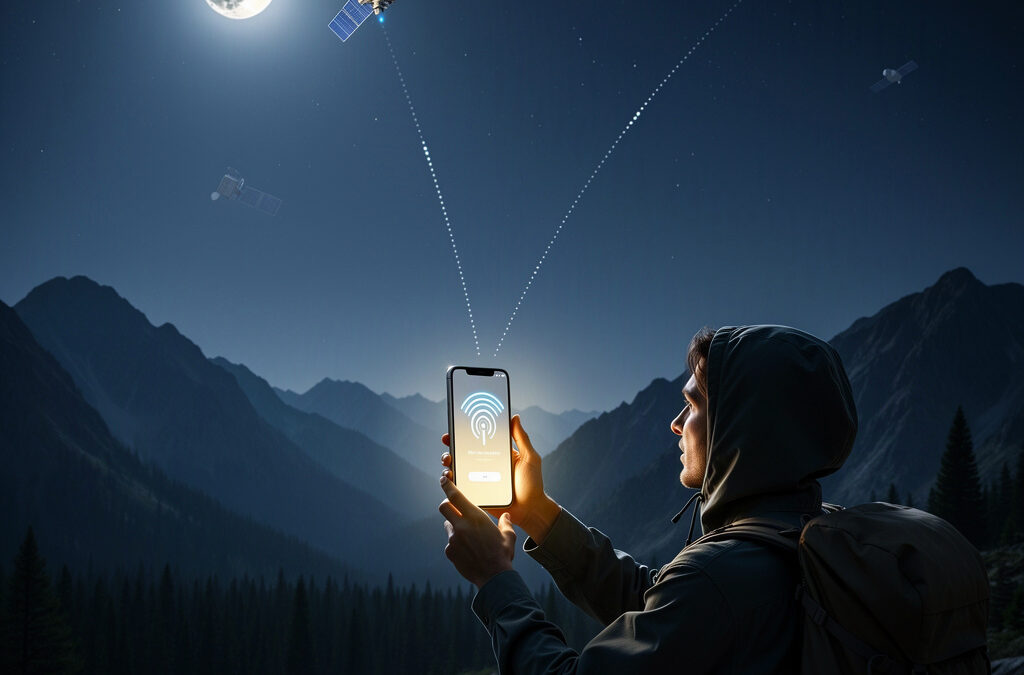
When a phone loses cellular signal and finds no Wi-Fi, communication typically stops. Satellite connectivity on smartphones is designed to help in specific situations, particularly when users are in remote areas or facing emergencies. However, this feature does not mean every phone can call or access the internet via satellite at any time. Device compatibility, service availability, geographic coverage, and sky conditions all determine whether a connection can be established.
What is satellite communication on smartphones?
Satellite communication on phones is the ability to send or receive information through satellite networks when terrestrial networks—such as cell towers—are unavailable. Implementations vary. Some features are emergency-only, sending structured responses to rescue centers. Others offer limited text messaging via satellite. Some carrier services connect phones to satellites for specific functions. These three types are not always available on the same devices or in the same countries.
The terms direct-to-device or direct-to-cell usually refer to systems attempting to connect consumer devices directly to satellites, often with support from spectrum allocations, network infrastructure, and cellular carriers. Meanwhile, dedicated satellite phones use radio hardware and antennas specifically designed for satellite service. Standard smartphones do not automatically have equivalent capabilities simply because they can run communication apps.
How can messages be sent via satellite?
In simple terms, the phone transmits radio signals to a satellite within range. The satellite then relays the communication to ground networks or appropriate service centers. In some systems, satellites function as bridges to earth stations; in others, network architecture and signal processing differ. Users do not need to understand the entire technical path, but should know that these services depend on satellites, gateways, service providers, and compatible device support.
Satellites move relative to users and are extremely far from Earth’s surface. Because of this, devices may prompt users to point or shift the phone’s position following on-screen guidance. Messages may also take longer than standard SMS. Emergency services often limit communication to structured questions and brief answers so critical information can be transmitted with lower bandwidth requirements.
Emergency features are not the same as satellite internet
This distinction matters before purchasing a device. Features like Emergency SOS via satellite are designed to contact emergency services and convey situation details and location. Satellite messaging services enable limited text communication with specific contacts. Broader satellite data connectivity is a different capability and should not be assumed available on phones that only support SOS.
Do not treat SOS features as replacements for regular phone calls, always-connected maps, or high-speed internet access. Support for photos, video, voice calls, group messages, and third-party apps may be unavailable. Check service descriptions specifically, not just the word “satellite” in marketing materials.
Requirements for using satellite features
- Correct device model. Support may be limited to specific models or generations, even when two phones appear similar.
- Compatible software. Operating system updates may be required to activate features or improve connection processes.
- Service available in the region. Availability depends on country, regulatory approval, satellite partners, and carrier agreements.
- Sufficiently open sky. Tall buildings, valleys, cliffs, and dense tree cover can weaken or block signals.
- Account or plan terms. Some services may require activation, trial periods, carrier packages, or fees after certain periods.
Therefore, do not assume features available in the United States, Japan, or other countries are automatically available in Indonesia or Malaysia. Check current country lists and requirements on manufacturer and carrier websites before relying on them while traveling.
How to check support before traveling
- Note the device model name and model number, not just the marketing series name.
- Open the manufacturer’s official support page and search for terms like “satellite,” “Satellite SOS,” or the specific feature name mentioned.
- Confirm the destination country appears in the service availability list, and check for any carrier or regional restrictions.
- Update the operating system, charge the phone, and learn the activation steps while still having internet access.
- If available, run the built-in demo. Demos help understand satellite pointing guidance without actually contacting emergency services.
- Save local emergency numbers and backup plans. Do not wait until you are in an area without signal to find out whether the feature works.
Privacy and safety considerations to understand
Emergency communications may share location and situation details with service providers, relay centers, or personnel handling assistance requests. Encryption mechanisms and data retention policies vary by feature. Read privacy explanations for the service being used, especially if location or message content is sensitive. Do not assume all types of satellite messages have equivalent protection.
In emergencies, follow official on-screen instructions and provide brief, accurate information. If connection fails, move to a more open location if safe to do so, but do not take risks by approaching cliffs or leaving someone who needs help. Satellites invisible to the naked eye can still be obstructed by surroundings.
Official references and service limitations
Apple explains supported devices, how to connect phones, signal obstacles, and regional availability in its iPhone satellite connection guide. Pixel users can check Google Pixel emergency help and Satellite SOS guide. This official information is more reliable than unofficial compatibility lists that may be outdated.
Conclusion
Satellite connectivity on smartphones can serve as a useful safety layer when cellular and Wi-Fi networks are unavailable, but its capabilities have clear limits. Device model, regional support, open sky, software, and service provider terms all matter. Before traveling to remote locations, verify features on official websites, understand whether the service is for emergencies only or also supports regular messaging, and prepare alternative ways to request help. Do not rely on untested satellite connectivity as your only safety plan.
Image credit: Replica photo of first-generation Iridium satellite by Cliff, via Wikimedia Commons, CC BY 2.0 license.
Leave a comment