

Turning stacks of physical documents into digital data often means opening a scanning application for each file and copying the results manually. That approach may be manageable for a handful of pages. However, when a team needs to process hundreds or thousands of invoices or historical records, manual work quickly becomes a productivity bottleneck. This is where an automated OCR pipeline becomes an essential technical solution.
A pipeline is not simply a single application you click to read an image. It is a sequence of structured scripts and modules that ingest source files, improve image quality, extract characters, validate the results, and store the output in a database without requiring a person to intervene at every step. By combining an open-source OCR engine such as Tesseract with Python’s flexibility, you can build a bulk document-processing system that runs entirely on local infrastructure.
Basic Architecture of an OCR Pipeline
Before writing code, it is important to understand the logical stages every document must pass through. A well-designed architecture generally consists of four main phases that run in sequence:
- File ingestion: The system monitors a designated directory or receives a list of file paths containing scanned images or PDFs.
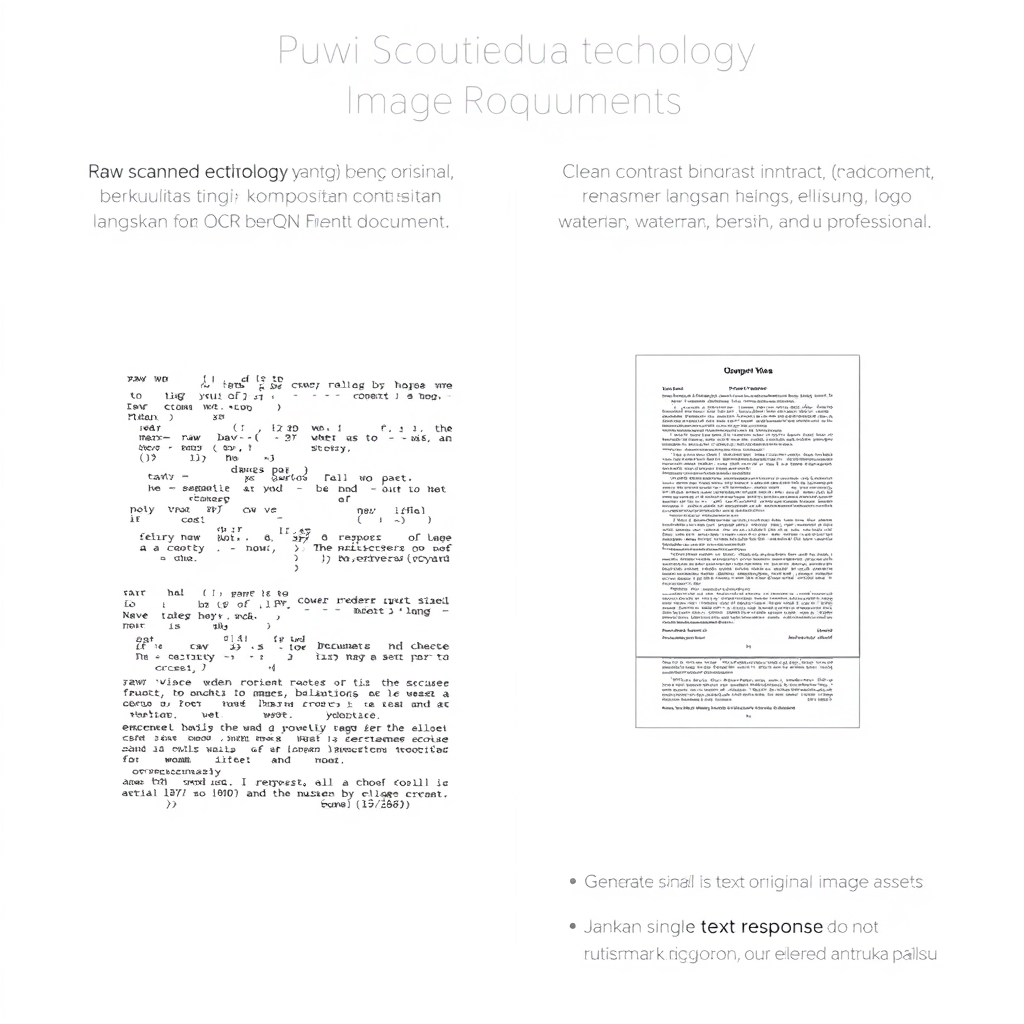
- Image preprocessing: Raw images are rarely ideal for machine reading. This stage improves contrast, removes visual noise, and corrects skewed pages.
- OCR engine execution: The cleaned image is passed to Tesseract and converted into a text string.
- Post-processing and storage: The extracted raw text is filtered to remove anomalous characters, then stored in a format such as JSON or CSV.
Separating the process into individual modules makes it easier to replace or improve one stage without disrupting the entire system. For example, if you find a better noise-removal algorithm, you only need to update the preprocessing module without touching the text-extraction logic.
Image Preprocessing with OpenCV
OCR output quality depends heavily on the quality of the input image. Relying on Tesseract’s default configuration to compensate for poor images often leads to a high character error rate. For this reason, the OpenCV library in Python is a standard tool for preparing images before text extraction.
A common first step is colour conversion. OCR engines generally work best with grayscale or binary images. This reduces computational complexity and makes the contrast between ink and the paper background more distinct. Adaptive thresholding can then be applied to handle documents with uneven lighting.
import cv2

def preprocess_image(image_path):
    img = cv2.imread(image_path, cv2.IMREAD_GRAYSCALE)
    binary_img = cv2.adaptiveThreshold(
        img, 255,
        cv2.ADAPTIVE_THRESH_GAUSSIAN_C,
        cv2.THRESH_BINARY, 11, 2
    )
    return binary_img
Beyond binarisation, morphological operations can also help. Dilation may thicken strokes that are too thin because of poor print quality, while operations such as opening can remove small specks that an OCR engine might mistake for punctuation. The appropriate operation depends on the characteristics of the source document.
Integrating Tesseract with pytesseract
Tesseract is an open-source OCR engine originally developed by Hewlett-Packard and now maintained by Google. To call Tesseract from a Python script, the pytesseract library acts as a wrapper that translates Python function calls into commands understood by the engine.
When building an automated OCR pipeline, the language and page segmentation mode parameters have a significant effect on accuracy. If a document contains only one line of text, such as a serial number, forcing the engine to process the entire page with its default mode can waste resources and increase the chance of recognition errors.
import pytesseract
from PIL import Image

def extract_text(processed_image_array):
    pil_img = Image.fromarray(processed_image_array)
    custom_config = r'--oem 3 --psm 6 -l ind'
    text = pytesseract.image_to_string(pil_img, config=custom_config)
    return text.strip()
The --oem 3 parameter tells Tesseract to select the default OCR engine based on the engines available in the installation, while --psm 6 assumes that the image contains a single uniform block of text. These parameters should be evaluated against the typography and layout of the specific documents being processed.
Scaling Up with Parallel Processing
Processing a thousand documents sequentially in a single execution thread can take a long time because OCR is computationally intensive. Python provides built-in modules such as concurrent.futures to distribute workloads across multiple CPU cores.
With ProcessPoolExecutor, each image file can be assigned to a separate worker that runs preprocessing and text extraction independently. This approach can significantly reduce the total processing time. However, the number of workers must be limited to the available RAM and CPU capacity. Otherwise, the operating system may experience memory pressure and excessive paging, or thrashing, which can slow the entire process down.
Error Handling and Output Validation
A production pipeline should not stop just because one image file is corrupted or cannot be read. Wrapping each processing iteration in a try-except block is essential. When an exception occurs, the script should record the failure and the file name in a separate log, then continue with the next document.
Output validation is another critical layer of protection. If the target documents follow a known structure—for example, invoices that must contain a reference number matching a specific letter-and-number pattern—you can use regular expressions to check whether the extracted text meets that pattern. Documents that fail validation can then be routed automatically to a manual review queue.
Building a resilient pipeline means preparing for failures. A good system does more than extract text: it also recognises when extraction has failed and reports anomalies in a structured way. This is consistent with the principles of managing multi-stage workflows, where the status of every step needs to remain clear and auditable.
Conclusion
Improving document-management efficiency does not always require expensive commercial software. By designing an automated OCR pipeline with Tesseract, OpenCV, and Python, you retain control over every part of the process, from image enhancement to parallel workload distribution. Successful implementation depends on understanding the characteristics of the documents being processed, tuning the engine parameters carefully, and applying error-handling mechanisms that prevent one problematic file from stopping the entire workflow.
Leave a comment