
Cybersecurity
BitLocker Windows: How to Understand and Safely Store Your Recovery Key
Learn how BitLocker device encryption works, when recovery keys are needed, and how to store them securely without compromising protection.
Read more →Discover insights on AI, the internet, digital security, and the latest technology innovations.

Learn how OpenTelemetry Collector functions, the differences between agent and gateway modes, pipeline components, configuration examples, and security practices for managing logs, metrics, and traces.
Cybersecurity
Learn how BitLocker device encryption works, when recovery keys are needed, and how to store them securely without compromising protection.
Read more →
Cybersecurity
Learn the difference between transport and end-to-end encryption to choose the right email protection for your needs.
Read more →
Cybersecurity
Threat modeling is a structured process for identifying security threats during system design. Learn its practical steps, the STRIDE framework, and how to apply it to strengthen cybersecurity and protect user privacy before development begins.
Read more →
Cybersecurity
Understand OAuth permissions, recognize excessive access requests, and revoke connections for apps you no longer need.
Read more →
Digital Tutorials
Learn the WordPress 3-2-1 backup strategy, what to copy, how to store separate copies, and how to test recovery before an incident occurs.
Read more →
Cybersecurity
Learn how Certificate Transparency works, how TLS certificate logs help detect unexpected certificate issuance, and practical steps to monitor your domains.
Read more →
Cybersecurity
Digital photos can store metadata like capture time, device information, and sometimes location. Learn how to check and reduce privacy risks before sharing them.
Read more →
Cybersecurity
Learn commonly overlooked API risks and how to mitigate them with authentication, object-level authorization, rate limiting, input validation, and monitoring.
Read more →
Cybersecurity
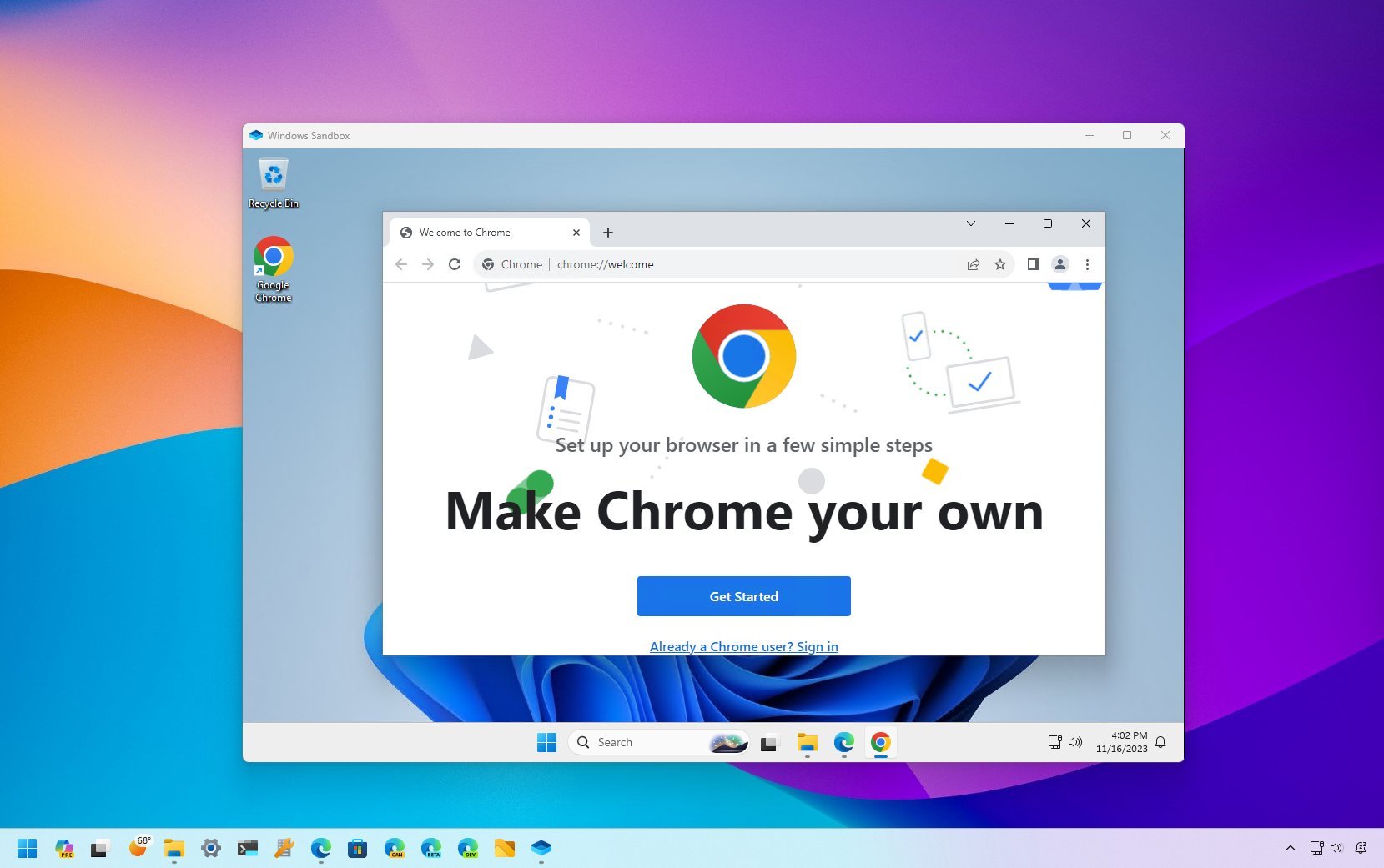
Learn how Windows Sandbox works, its requirements, how to enable it, and safe practices for testing applications without affecting your main Windows environment.
Read more →
Internet & Networking
Practical steps to secure your home Wi-Fi router: change admin credentials, choose proper encryption, update firmware, set up guest networks, and check connected devices.
Read more →