
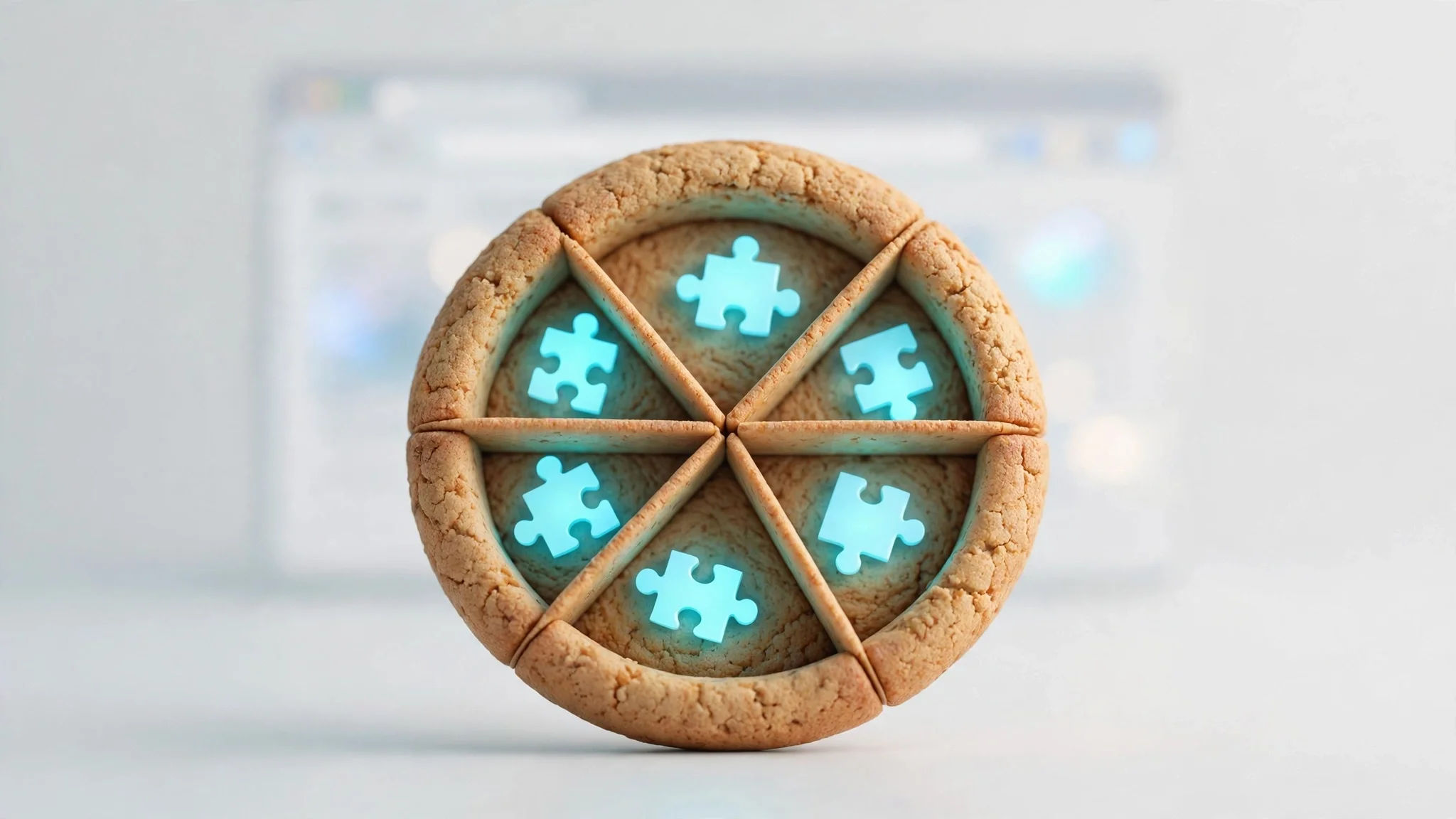
Chat widgets, embedded maps, payment systems, and support services often run from third-party domains. To keep the user experience consistent, these services sometimes need to store state in the browser. The problem is that third-party cookies readable across multiple sites can also be used to link user activity across those sites.
Cookies Having Independent Partitioned State (CHIPS) offers a more targeted approach: third-party cookies can still be used for specific needs, but their storage is separated based on the site being visited. This way, a single widget can maintain its state on one site without automatically using the same cookie identity when embedded on another.
What is CHIPS?
CHIPS is a browser mechanism that lets developers opt cookies into separate partitions. Simply put, the browser considers not just the domain setting the cookie, but also the top-level site where the cookie is being set. The top-level site is the main page the user sees, not an iframe or embedded component within it.
For example, a chat service from chat.vendor.example is embedded on store.example and news.example. Without partitioning, the same chat service cookie might be usable on both sites if browser policy allows. With CHIPS, cookies for the store.example context live in a different partition from cookies for the news.example context. The service can still store chat state on each site, but won’t obtain a single shared cookie just because the provider domain is the same.
How does the Partitioned attribute work?
CHIPS adds the Partitioned attribute to the HTTP Set-Cookie header. Partitioned cookies must use secure connections, so the Secure attribute is required. For cookies that need to be sent in cross-site contexts, SameSite=None is also typically needed.
Set-Cookie: __Host-widget=abc123; Path=/; Secure; SameSite=None; PartitionedThis example uses the __Host- prefix, which helps restrict the cookie to the host setting it. To use this prefix, the cookie must have Secure, use Path=/, and must not set a Domain attribute. This prefix is recommended when the cookie doesn’t need to be shared with subdomains.
Browsers supporting CHIPS associate the cookie with two contexts: the host setting the cookie and a partition key based on the top-level site. Because the partition keys differ, cookies created when a widget is on one site aren’t automatically available when the same widget appears on another. Implementation details and browser support should still be tested against your target users.
When is CHIPS useful?
- Customer support widgets: storing conversation state or display preferences on a single site.
- Embedded maps and content: maintaining local settings without using the same cookie across sites.
- Third-party payment flows: storing session information needed within a specific store context, per provider design and security requirements.
- Infrastructure services: storing specific configuration for components used as subresources, where needs align with the partitioning model.
CHIPS isn’t a universal solution for all third-party sessions. If a service genuinely needs the same state across related sites, authentication architecture, user consent, or other browser mechanisms may be more appropriate. Don’t rely on cross-site cookies as the only way to recover accounts or authorize sensitive transactions.
Implementation checklist for developers
- Define cookie requirements. Document what data is stored, expiration, why the widget needs it, and whether state must be separate per site.
- Use correct attributes. For partitioned cookies, include
SecureandPartitioned. AddSameSite=Noneif the cookie needs to be sent in cross-site contexts. If using the__Host-prefix, comply withPath=/requirements and don’t useDomain. - Limit cookie contents. Store only necessary session identifiers; don’t put personal data or application secrets directly inside. Protect server endpoints and validate sessions on every request.
- Test across multiple contexts. Embed the widget on two different test sites, then check via browser storage panels whether each has separate partition keys.
- Prepare fallback behavior. Browser support and privacy policies vary. Ensure the widget still provides clear messaging or alternative flows when cookies aren’t available.
Limitations that shouldn’t be ignored
CHIPS reduces the chance that a partitioned cookie is used to link activity across unrelated sites, but doesn’t make users fully anonymous. Providers still receive IP addresses, request information, and other identifiers sent by applications. Tracking can also occur through mechanisms other than cookies, so data minimization, log restrictions, and transparency remain necessary.
Furthermore, correct cookie attributes don’t replace protection against cross-site scripting, token theft, or server authorization weaknesses. Use HTTPS, set reasonable expiration, rotate sessions when needed, and don’t trust cookie values solely because the browser stores them in a partition.
Conclusion
CHIPS helps preserve functionality for third-party cookies with legitimate use cases while separating storage by top-level site. For widget developers, the key is to clearly define session requirements, use correct cookie attributes, test cross-browser behavior, and not treat cookie partitioning as a substitute for comprehensive privacy design.
Technical references: CHIPS guide on MDN and CHIPS documentation from Chrome Privacy Sandbox.
Leave a comment