
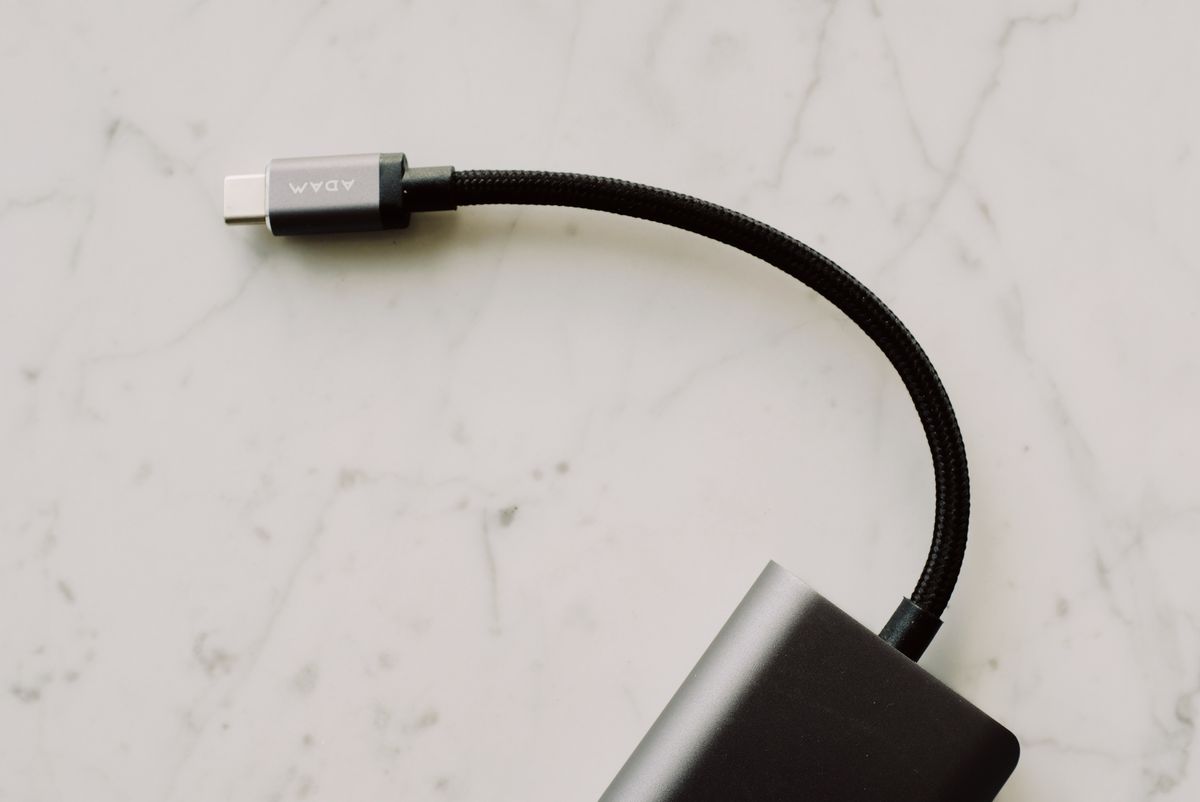
USB-C cables look similar, but their capabilities can differ significantly. Some work well for charging phones yet transfer files slowly. Others can deliver substantial power but lack support for video output to monitors. Choosing a cable based solely on connector shape can leave your device’s features unused.
To make a smarter purchase, examine three main factors: charging capability, data transfer speed, and video support. These are separate capabilities, so a cable that excels for one purpose may not perform well for another.
1. USB-C is a connector shape, not a guarantee of speed
USB Type-C or USB-C refers to the reversible connector shape. That shape does not automatically indicate what data standard a cable supports. Two cables with identical USB-C connectors can have different capabilities—one might only support USB 2.0 speeds up to 480 Mbps, while another supports much faster data standards.
Final performance also depends on the source device, destination device, ports used, and the cable itself. If any component only supports a slower standard, connection speed typically follows that limitation. A high-speed cable will not transform a slower laptop port into a high-speed one.
2. Check charging capability
For charging, note the cable’s maximum wattage rating and whether your device supports the charging protocol. USB Power Delivery (USB PD) allows devices and chargers to negotiate appropriate power levels. However, the result still depends on the capabilities of the adapter, device, and cable.
For example, a cable designed for lower power may not suit a laptop requiring more wattage. Conversely, using a high-wattage cable does not force a phone to accept excessive power—the device and charger must still support compatible charging modes. The compatible system determines the power delivered.
For USB-C to USB-C cables, check the power rating on packaging or specification sheets. The USB Implementers Forum (USB-IF) provides cable logo guidelines that distinguish power capabilities, including 60 W and 240 W categories for compliant cables. Do not assume all thick or expensive-looking cables have the correct rating.
3. Data speed matters for SSDs and file transfers
If you will use the cable to move photos, large videos, or run external SSDs, look for clear data speed specifications. Figures like 480 Mbps, 5 Gbps, 10 Gbps, or higher indicate different capability classes. Note the units: Mbps is megabits per second, while MB/s is megabytes per second. Eight bits equal one byte, and real-world speeds are typically lower than theoretical numbers due to overhead and device limitations.
Product descriptions like “fast charging” alone do not explain data transfer speed. Charging cables may still function for file transfers but might be limited to USB 2.0 speeds. If you regularly work with external SSDs, cameras, or storage docks, ensure the cable specifications list the data speeds you need.
4. Not all USB-C cables support monitors
USB-C can carry video signals on devices and cables that support features like DisplayPort Alternate Mode or Thunderbolt. However, having a USB-C port on a laptop or phone does not always mean that port can output video. The cable must also support the required signal pathways.
Before buying a cable for a monitor, check your device documentation: whether the USB-C port supports video, what resolution and refresh rate are supported, and whether the connection requires a USB-C cable with video capability or a Thunderbolt cable. Do not rely solely on connector photos or “Type-C” in product titles.
5. How to choose cables for your needs
- For everyday phones: match the cable’s power rating to what your phone and adapter support. Choose products from reputable sellers with clear specifications.
- For laptops: ensure the wattage rating meets your laptop’s needs with appropriate USB PD support. Also verify whether the cable supports required data capabilities.
- For external SSDs: prioritize data speeds matching your SSD and computer ports, not just fast charging claims.
- For monitors: confirm that device, port, and cable all support video output or the required Thunderbolt standard.
- For one versatile cable: read power, data, and video specifications separately. Do not assume one capability guarantees others.
6. Avoid cables with unclear specifications
Be wary of descriptions using only phrases like “super fast,” “universal,” or “supports all devices” without citing numbers and standards. Check cable length, warranty, brand, and reviews discussing real-world use. Longer cables or specific designs may have different capability limits, so do not infer specifications from appearance alone.
If you need high power or critical data transfer for work, choose cables listing measurable specifications and, where relevant, verifiable certifications. USB-IF provides compliance program information and certified product search. Certification is not the only consideration, but verifiable claims are more useful than vague marketing labels.
Conclusion
USB-C simplifies connector shape but does not make all cables equally capable. Before purchasing, determine your primary purpose—charging, data transfer, or monitor connection—then match cable specifications to your devices and adapters. Checking wattage, data speed, and video support separately helps avoid mismatched purchases and ensures your devices perform as intended.
Leave a comment