
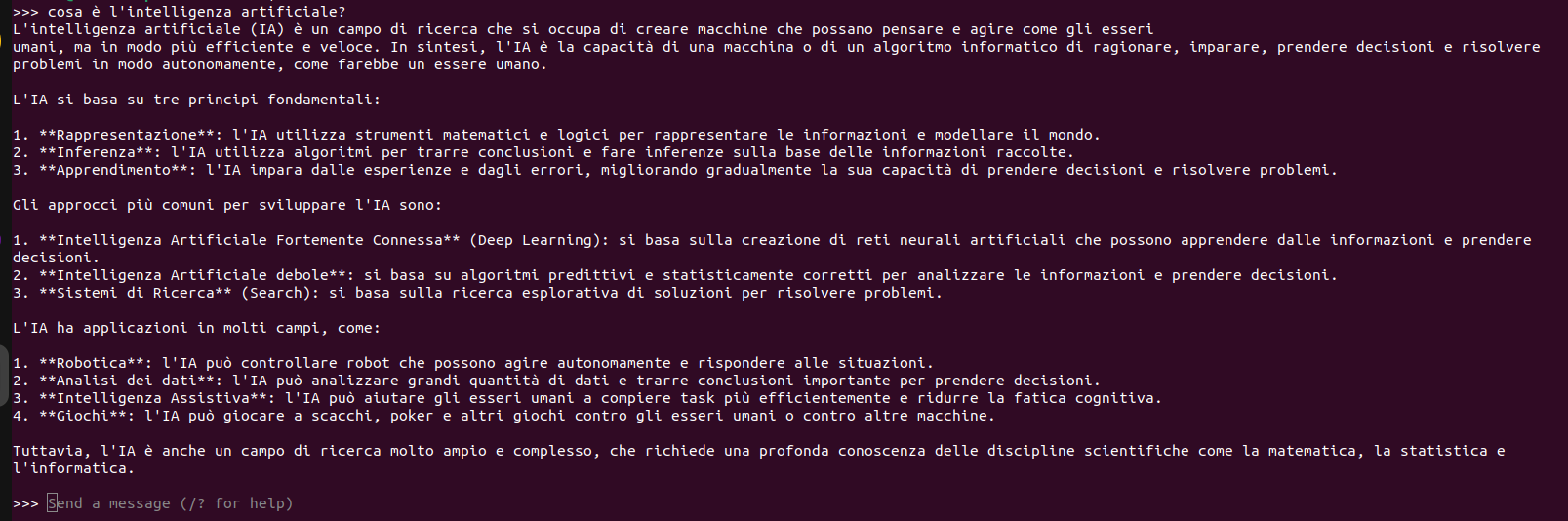
Running an AI language model no longer has to mean sending every prompt to a cloud service. Ollama makes it easier to download and run large language models (LLMs) locally on a personal computer or server. Local inference can offer more control over data, predictable offline access after models are downloaded, and an approachable way to experiment with AI tools.
What Is Ollama?
Ollama is software for managing and running language models on local hardware. It provides a command-line interface and a local API, so users can download a model, start a conversation, or connect the model to another application without building the entire inference stack themselves. It supports a range of model families and quantised variants designed for different hardware capabilities.
Check Your Hardware First
The resources required depend on the model’s parameter count, quantisation, context length, and workload. A small model may run on a computer with modest memory, while larger models can require substantial RAM or GPU memory. Before downloading a model, check its size and the recommended hardware requirements. Leave enough free storage for model files and updates.
- Memory: RAM or unified memory is often the main constraint for local inference. Larger models and longer contexts require more.
- GPU acceleration: A supported GPU can improve performance, but CPU-only execution may still be useful for smaller models.
- Storage: Model files can occupy several gigabytes each. Keep room for more than one model if you plan to compare them.
- Operating system: Check the current Ollama installation guidance for supported macOS, Windows, and Linux versions.
Install Ollama
Download the installer from the official Ollama website for your operating system and follow its instructions. On Linux, the official documentation provides an installation command and explains how the background service is configured. Avoid copying installation commands from unfamiliar websites.
Download and Run a Model
After installation, open a terminal and run a model from the Ollama library. For example:
ollama run llama3If the model is not already present, Ollama downloads it before starting the interactive session. The exact model name and available variants can change, so check the model library before choosing one. To see which models are stored locally, run:
ollama listYou can leave an interactive session using the command shown by the client, commonly /bye. Model management commands are documented in the Ollama documentation.
Connect to the Local API
Ollama also exposes an API that local applications can use. Its default local address is commonly http://localhost:11434. A simple generation request can be sent with cURL:
curl http://localhost:11434/api/generate -d '{
  "model": "llama3",
  "prompt": "Explain cloud computing in one paragraph."
}'
This makes it possible to integrate a local model with scripts, development tools, or an application interface. Keep the service bound to trusted interfaces. Exposing an unauthenticated local inference endpoint directly to the public internet can allow outsiders to consume your hardware or access prompts sent to it.
Improve Local Inference Performance
- Choose a model size that fits available memory instead of forcing a large model onto unsuitable hardware.
- Use a quantised model when lower memory use is more important than preserving every detail of the original weights.
- Close unnecessary applications when memory or GPU resources are limited.
- Test response quality and speed with representative prompts rather than relying only on model parameter counts.
- Keep Ollama and model files updated, and review the model’s licence before using it in a commercial product.
Privacy and Security Considerations
Local inference can reduce the need to send prompts to an external provider, but it does not automatically make a workflow private. Applications may still log prompts, store conversation history, or expose the local API over a network. Review the settings of connected tools, protect the computer itself, and avoid placing secrets in prompts unless the entire workflow is trusted.
Conclusion
Ollama lowers the barrier to experimenting with local language models by combining model management, a command-line interface, and an API. Start with a small model, check how it uses memory, and expand only when the hardware and workload justify it. For a more advanced local AI workflow, see our guide to building a RAG pipeline.
Leave a comment