
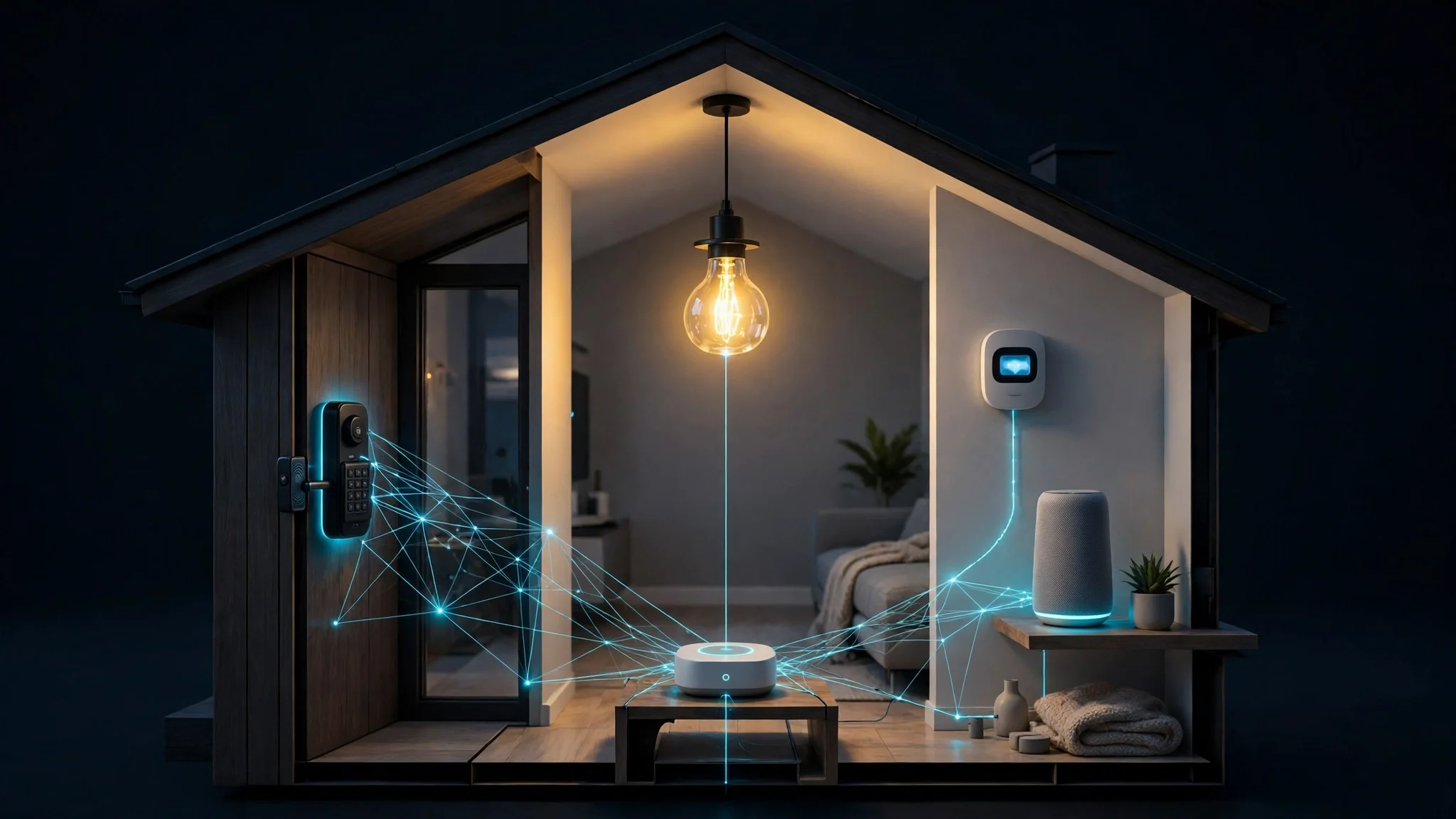
Smart home devices often display Matter and Thread logos on their packaging or product pages. The two are related, but they are not the same technology. Matter helps devices from different brands work together, while Thread provides a low-power wireless network for small devices like sensors and smart locks. Understanding the difference can prevent buying the wrong hub or accessories that turn out to be incompatible with your home system.
What is Matter?
Matter is a smart home interoperability standard developed through the Connectivity Standards Alliance (CSA). Its goal is to enable Matter-certified devices to be controlled by compatible ecosystems without relying on a single brand. Lights, smart plugs, sensors, smart locks, and other devices can communicate using standardized command models and security mechanisms.
Matter runs over Internet Protocol (IP)-based networks. In typical implementations, Matter devices use Wi-Fi or Ethernet, or employ Thread as a low-power wireless network. Bluetooth Low Energy may be used during initial setup, for example to help a phone discover a new device.
What is Thread?
Thread is an IPv6-based wireless mesh networking technology designed for Internet of Things devices with low power requirements. Devices such as door sensors, temperature sensors, and smart locks can exchange data over a Thread network without each device needing a direct Wi-Fi connection. Devices that forward network traffic can help extend range, while battery-powered devices can be designed for energy efficiency.
To connect a Thread network to a home IP network using Wi-Fi or Ethernet, a device functioning as a Thread Border Router is required. This capability may be built into a smart home hub, smart speaker, or other compatible device.
How do Matter and Thread work together?
Think of Matter as a common language for controlling devices, while Thread is one of the communication paths those devices can use. A sensor might use Matter as its control standard and Thread as its data transport network. Conversely, other Matter devices may use Wi-Fi, so both can coexist in one system as long as the controller and network are properly configured.
They do not replace each other. Thread is not a smart home control application, and Matter is not a type of radio signal. Thread can also be used by systems that do not use Matter. Meanwhile, not all Matter devices require Thread: cameras or devices needing higher bandwidth are typically better suited to Wi-Fi or Ethernet as designed by their manufacturers.
Key differences at a glance
| Aspect | Matter | Thread |
|---|---|---|
| Role | Device interoperability and control standard | Low-power wireless mesh network |
| Focus | Commands, device models, setup, and security | Packet delivery within device networks |
| Connectivity | Can run over Wi-Fi, Ethernet, or Thread | Uses Thread network radio, typically on the 2.4 GHz band |
| Additional hardware | Requires a compatible Matter controller to manage devices | Thread Border Router needed to connect Thread network to home network |
What devices do you need to prepare?
Start with the functionality you want to use, not just the logo on the box. For Wi-Fi-based Matter smart lights, you typically need a suitable Wi-Fi network and a Matter controller from your chosen ecosystem. For Matter-over-Thread sensors, ensure you have both a Matter controller and a Thread Border Router.
Also check app support. Your phone and smart home app must be able to add the device, and the software version you are using may have specific requirements. If you want to manage one device through more than one ecosystem, look for multi-admin support. This feature allows a device to be shared with another compatible controller, but the sharing process must still be done through official procedures.
Setup steps to avoid confusion
- Check labels and specifications. Make sure the product truly supports Matter, Thread, or both. Also check whether the desired function requires a specific hub.
- Update devices. Install updates on your phone, controller app, router, hub, and accessories before starting setup.
- Ensure your network is ready. Follow manufacturer guidance for Wi-Fi and local network settings. Guest network separation, VLANs, or client isolation features can hinder local device discovery if not configured correctly.
- Add devices through the official app. Scan the Matter QR code or enter the provided setup code. Do not share this code openly, as it could allow others to add the device to their system.
- Test basic functions. Try on-off commands, sensor status, and simple automations. If using Thread, ensure the Border Router is active and the device is within network range.
- Add a second controller if needed. Use official sharing or multi-admin features, rather than repeating factory resets without reading instructions. Unnecessary resets can erase working configurations.
Security and privacy considerations
Matter is designed with security mechanisms such as device authentication and encrypted communication, but overall security still depends on implementation, updates, and how accounts are managed. Buy devices from trusted manufacturers, update firmware, protect controller accounts with multi-factor authentication if available, and remove devices from apps when selling or giving them to others.
Local control can reduce reliance on cloud services for certain functions, but it does not mean all features work without internet. Remote access, notifications, voice integrations, or history from certain services may still require a connection and vendor account. Check app permissions and privacy policies before enabling features that collect data.
If your device cannot be found
Do not immediately conclude that Matter or Thread is incompatible. Ensure your phone is on the correct network, the app has required permissions, and the device is not bound to another controller in a way that limits setup. Check whether your router is blocking local communication or multicast used for device discovery. For Thread accessories, ensure the Border Router is active and the latest firmware is installed. If problems persist, follow manufacturer recovery guidance before performing a factory reset.
Conclusion
Matter and Thread complement each other: Matter unifies how smart home devices are controlled, while Thread provides a low-power mesh network for devices that support it. Before purchasing, match device standards with available controllers and Border Routers, then check app and network requirements. By understanding each one’s role, you can build a cross-brand smart home more deliberately without buying unnecessary hubs.
Technical references: Google Home Developers: What is Matter? and Thread Group: Matter and Thread education.
Leave a comment