
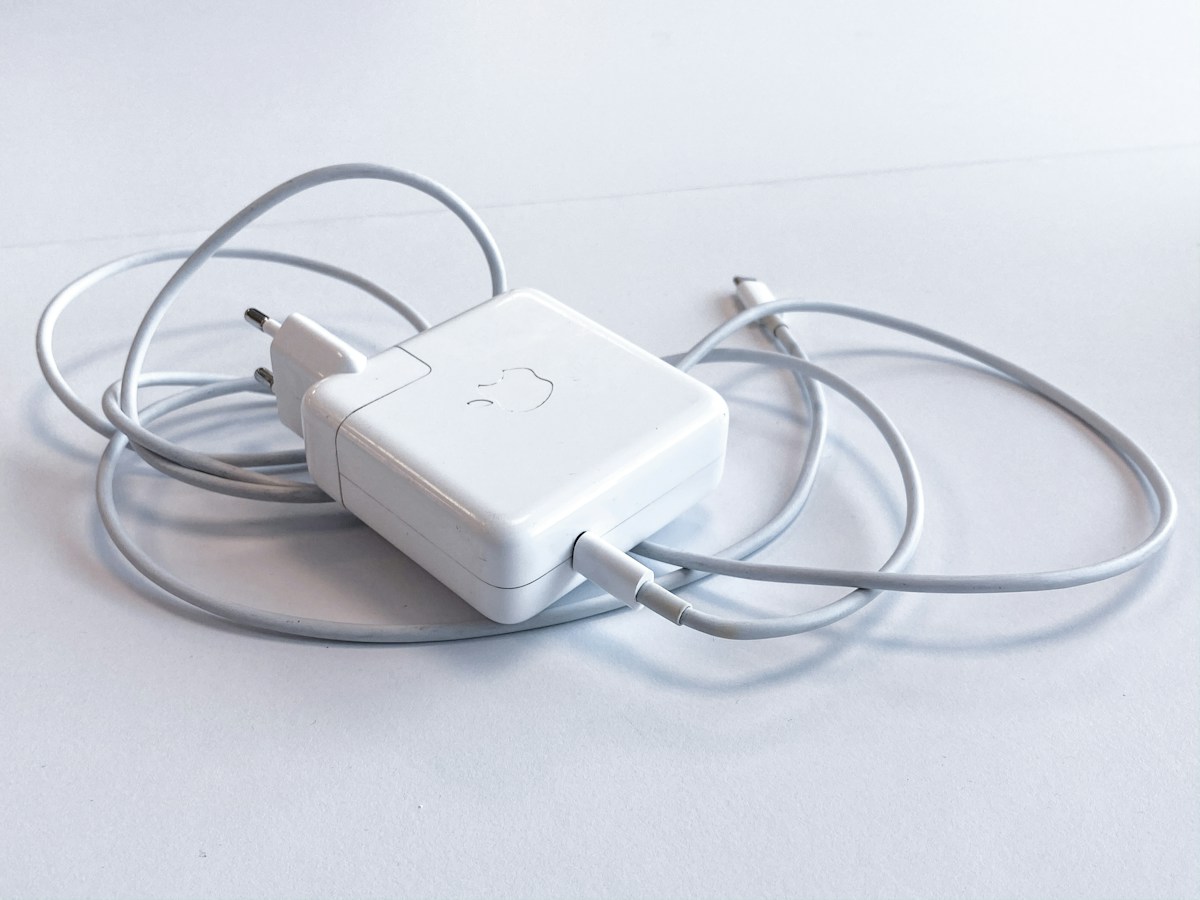
USB ports at airports, hotels, transportation hubs, or public spaces seem convenient when your battery is running low. However, USB can carry both power and data pathways. Because of this, using an unknown port carries additional risks compared to plugging your phone into a personal power adapter.
What is juice jacking?
The term juice jacking refers to scenarios where a charging port or cable is exploited to attempt accessing data or pushing unwanted connections. The actual risk depends on the device, operating system, USB configuration, and attack scenario. Not every public port is dangerous, but users cannot always verify who manages them.
The simplest steps
- Use a personal power adapter and wall outlet when possible.
- Carry a power bank from a reputable seller and charge it according to manufacturer guidelines.
- If you must use a public USB port, consider a charge-only cable or a trusted USB data blocker that disconnects the data pathway.
- Do not unlock your device or approve data requests you do not understand.
- Keep your operating system updated and use USB settings that require approval before data transfer.
Watch out for unfamiliar cables and accessories
Cables can appear ordinary even when they contain additional components. Do not accept free cables from unknown parties for your primary device. If your device asks you to select a USB mode, choose charging only if that is what you need. Do not approve the installation of profiles, apps, or configurations that appear unexpectedly.
If you have already connected
Disconnect immediately if you see suspicious access requests. Check for any unfamiliar apps, configuration profiles, or new devices; use built-in system tools or official support for inspection. If you entered credentials into a suspicious page or app, change your passwords through a trusted device and review login sessions. Our digital account security guide explains steps to reduce the impact of account takeover.
Is a USB data blocker always necessary?
Not for everyone. A personal adapter and power bank are usually sufficient to avoid unknown USB ports. Data blockers are useful for frequent travelers or those who must use shared ports. Choose products with clear specifications and avoid security claims that lack supporting explanation.
How USB Modes Work on Your Phone
When you plug a phone into a computer or a smart charging station, the phone usually asks which USB mode to use. Charging only is the safest choice when all you need is power. File transfer, photo transfer, and USB tethering modes open a data channel that a malicious port could try to exploit, so they should only be selected when you trust the other end of the cable.
Most modern phones default to charging only and require an explicit tap to enable data transfer. Keep that default. If your phone is set to remember a previous choice, review the USB settings and reset them to ask every time. That single setting removes most of the risk, because a data connection cannot start without your approval.
Some phones also show a persistent notification while connected by USB. Pay attention to it: if it says file transfer is active when you only expected charging, disconnect immediately and check the settings. A charging station should never need file access to your device.
What to Pack in a Travel Charging Kit
A small kit removes the need for public USB ports altogether. The essentials are a compact wall adapter with the correct plug for your destination, a short cable you trust, and a power bank that holds at least one full charge for your phone. Choose a power bank from a known brand and charge it before you leave, because a dead power bank is no help at the airport.
Add a charge-only cable or a small USB data blocker to the kit if you travel often. A data blocker is a tiny adapter that sits between the cable and the port and physically disconnects the data pins while allowing power through. It costs little, weighs almost nothing, and lets you use an unknown USB port with much less worry.
Keep the kit in a carry-on bag rather than checked luggage, since power banks are generally not allowed in checked bags on flights. A kit that lives permanently in your travel bag means you never have to borrow a stranger’s cable at a gate.
Public Charging Stations Versus Wall Outlets
Not all public power sources carry the same risk. A plain wall outlet used with your own adapter is the safest option, because only power flows through your adapter and cable. The outlet itself cannot read data from your phone. Whenever a wall outlet is available, prefer it over a USB port built into a seat, table, or kiosk.
USB ports in airports, hotels, and cafes are more convenient but harder to verify. They are installed and maintained by third parties, and a tampered port is difficult to spot from the outside. If you must use one, use your data blocker and keep the phone locked. Do not unlock the phone or approve any prompt that appears while charging.
Wireless charging pads in public places deserve the same caution in a different way: they only transfer power, so the data risk is minimal, but a damaged or overheating pad can still harm your device. Use pads that look clean and undamaged, and remove the phone if it becomes unusually hot.
Myths and Realistic Risk
Juice jacking is a real technique, but it is often exaggerated in headlines. Documented cases of attacks through public charging ports are rare compared with far more common threats such as phishing messages and malicious apps. The realistic risk is low for most people, but the precautions are so cheap that they are worth taking anyway.
One common myth is that simply plugging a phone into any USB port instantly installs malware. In practice, modern phones require user approval before data transfer, and an attack would need to exploit a specific vulnerability. Another myth is that a data blocker slows charging significantly; in most cases the difference is negligible because charging speed depends mainly on the power supply.
The practical takeaway is proportionate: carry your own adapter and power bank, keep USB mode on charging only, and treat unexpected prompts as a reason to disconnect. Those three habits cover nearly all realistic scenarios without adding friction to everyday travel.
Conclusion
Reduce risk by choosing power sources you control, declining unfamiliar USB requests, and keeping devices updated. A personal adapter or power bank is the easiest habit to adopt.
Leave a comment