
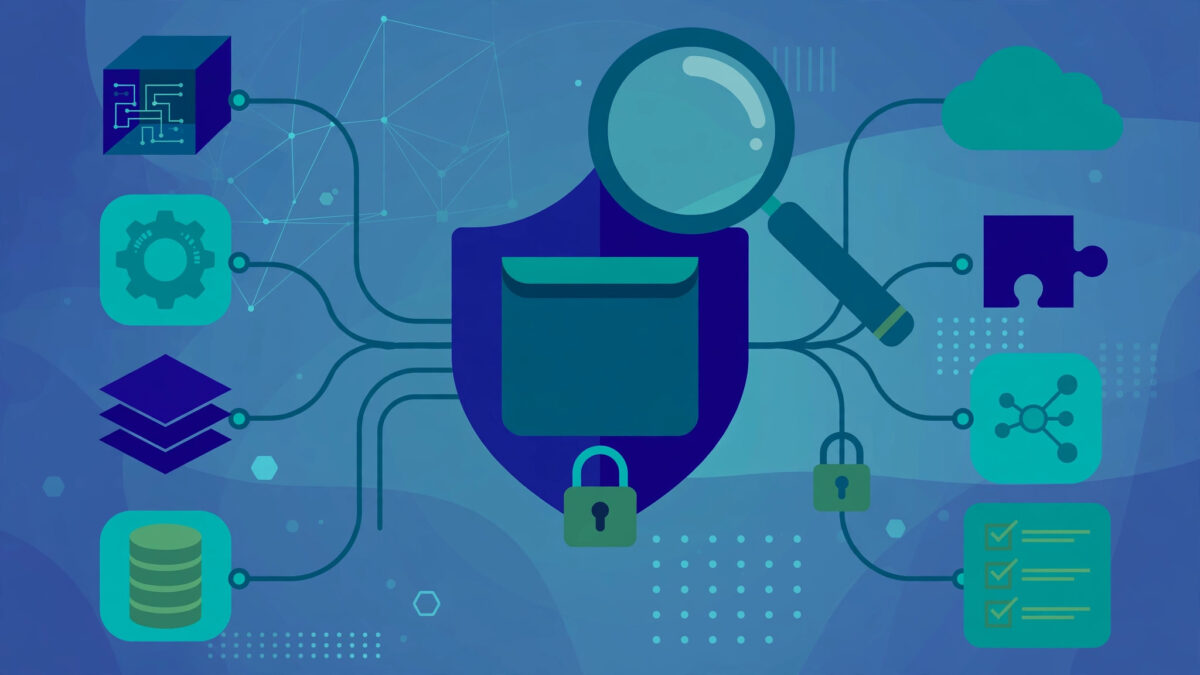
Every modern application is typically built from numerous components: open source libraries, frameworks, third-party packages, and even the tools used during the build process. These components accelerate development, but they also introduce risk when any of them contains a vulnerability or is no longer maintained. A Software Bill of Materials (SBOM) helps teams understand what goes into a piece of software, making supply chain risks easier to trace.
What Is an SBOM?
An SBOM is a structured inventory that records the software components within a product. The information can include package names, versions, suppliers or authors, unique component identifiers, relationships between components, and license information where available. It resembles an ingredients list on a product, but for software.
An SBOM is not a certificate that an application is secure, nor is it a vulnerability scanner. Its value lies in visibility: when a library is found to have a security flaw, teams can determine whether that version is used in their products and decide on next steps.
Why SBOMs Matter for Security
- Accelerates vulnerability impact assessment. A component inventory helps teams find applications using a specific package or version without manually searching through every repository.
- Supports dependency management. Teams can identify outdated packages, unmaintained components, or unrecognized dependencies.
- Aids compliance and licensing. Component and license information can support review processes, though it still needs to be validated against actual license terms.
- Improves supplier coordination. Organizations can request SBOMs from vendors and use them as one input when evaluating risk.
SBOMs must still be combined with vulnerability scanning, regular updates, code review, and incident response processes. An incomplete or outdated inventory can create a false sense of security.
SPDX and CycloneDX: Choosing a Format
Two widely used formats are SPDX and CycloneDX. SPDX was developed for exchanging software component and license information. CycloneDX focuses on bill of materials and also supports supply chain risk analysis needs. Both have their own specifications and tool ecosystems.
Format choice should follow organizational needs, the tools your team uses, and customer or regulatory requirements. Before settling on a format, ensure that generating and consuming tools can process the same specification version. Do not assume two SBOM files are equivalent simply because they use supported formats.
Official references: SPDX and CycloneDX.
How to Start Creating an SBOM
- Define the scope. Decide whether the inventory covers a single application, one release, a container image, or a specific distribution artifact. Record version and build identifiers so results can be traced.
- Use trusted dependency sources. Start from project manifests and lockfiles, such as files managed by package managers. For more comprehensive results, use SBOM tools that can examine build artifacts or container images.
- Generate files during the build process. Integrate SBOM creation into your CI/CD pipeline after dependencies are resolved. Store results alongside release artifacts or as files available for download with controlled access.
- Validate the output. Check whether package names and versions are recorded, component identifiers make sense, and transitive components are detected according to tool capabilities. Compare against lockfiles or package manager reports.
- Run security checks. Use vulnerability scanners that accept SBOM formats. Review findings based on correct versions, impact severity, exploit likelihood, and whether the component is actually used when the application runs.
- Update with every relevant release. An SBOM should describe the artifact currently being distributed. Do not continue using inventory from old builds after dependencies have changed.
Safe Practices for Storing and Sharing SBOMs
SBOMs can reveal technologies, library versions, and dependency structures used by a product. This information helps defenders but can also assist attackers in mapping targets. Therefore, determine who may access them and when files can be shared publicly.
- Do not include tokens, passwords, API keys, or other secrets in an SBOM. Component inventory is not a place to store credentials.
- Provide release identifiers, creation timestamps, and artifact origins so readers know which product is covered.
- Restrict access for sensitive internal inventories and use appropriate exchange channels when sending them to customers.
- Do not rely on SBOMs as the sole proof of security. Establish process owners to assess findings, update components, and document exceptions.
Mistakes to Avoid
Common mistakes include generating an SBOM once and never updating it, recording only direct dependencies, or assuming all vulnerability findings are automatically exploitable. Conversely, not every detected component is necessarily risky in a specific application context. Teams need to examine versions, configurations, usage paths, and patch availability before setting priorities.
Another mistake is chasing format completeness without operational processes. An SBOM is only useful if there are procedures to receive vulnerability reports, identify affected releases, assign responsibility, test updates, and communicate results.
Conclusion
In day-to-day practice, establish who generates SBOMs, who reviews scan results, and how long inventories are retained. When a new vulnerability advisory appears, teams must be able to connect package names and versions to affected releases, document remediation decisions, and test updates before distribution. For small projects, this process can start from lockfiles and automated dependency checks; more complex systems may need inventories from build artifacts and containers. Measure success by the ability to find impact and follow through on risk, not merely by the number of SBOM files produced.
SBOMs give teams a structured view of the components that make up software. By choosing an appropriate format, creating inventory from trusted dependency sources, validating it with every release, and connecting it to vulnerability handling processes, organizations can respond to supply chain risks more purposefully. Start with one critical application, document the process, then expand coverage gradually. Most importantly, treat SBOMs as living inventory that must be maintained, not one-time documents that automatically guarantee security.
Leave a comment